
![Dragons Dogma II 2 XBOX Series X|S [XBOX ACTIVATION]](https://spacenetgameshop.net/image/cache/data/001 XBOX Cover/dragons-dogma-ii-2-xbox-series-s-x-cena-120x120.jpg)
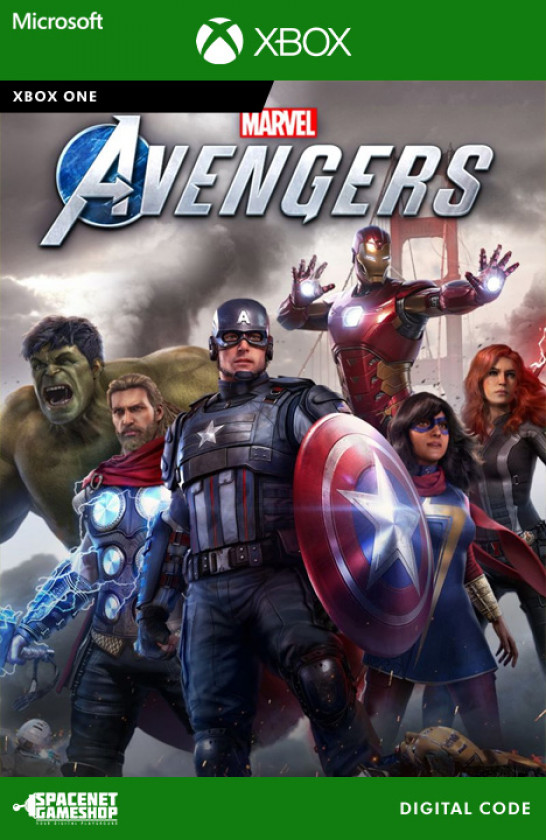

Description
Important Activation Information:
This product may be delivered as an Xbox code from a different region. The supplied code may be issued for regions including, but not limited to, Global, Europe, Argentina, Turkey, and other regions.
Depending on the region of the supplied code, the use of a VPN may be required during activation only. Once successfully redeemed, a VPN is normally not required to download or play the game.
The code can be activated through the official Microsoft redemption page. If you are unfamiliar with VPN activation or experience any difficulties, SpaceNET Gameshop can assist with the activation free of charge.
Please note that the region of the delivered code may vary depending on current availability.
-
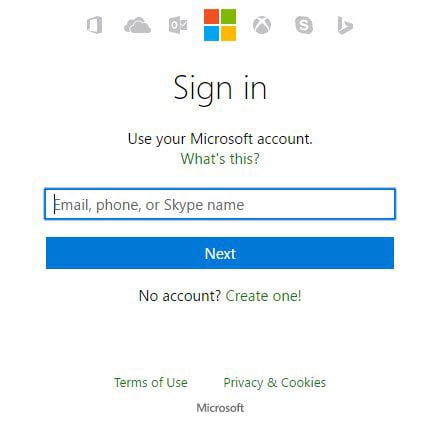
Login to your Xbox account.
-
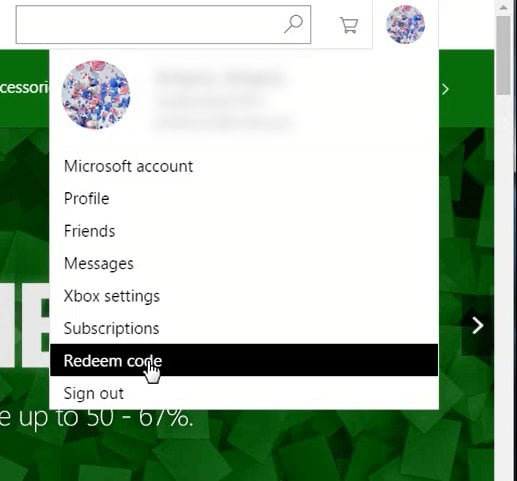
Click on your Avatar in the top right and click redeem code.
-
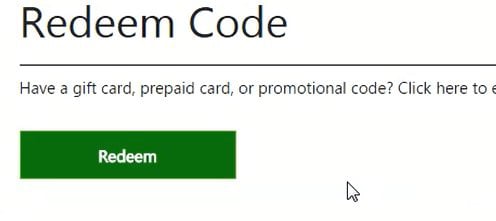
Click Redeem in the middle of the page.
-
Click Redeem in the middle of the page.
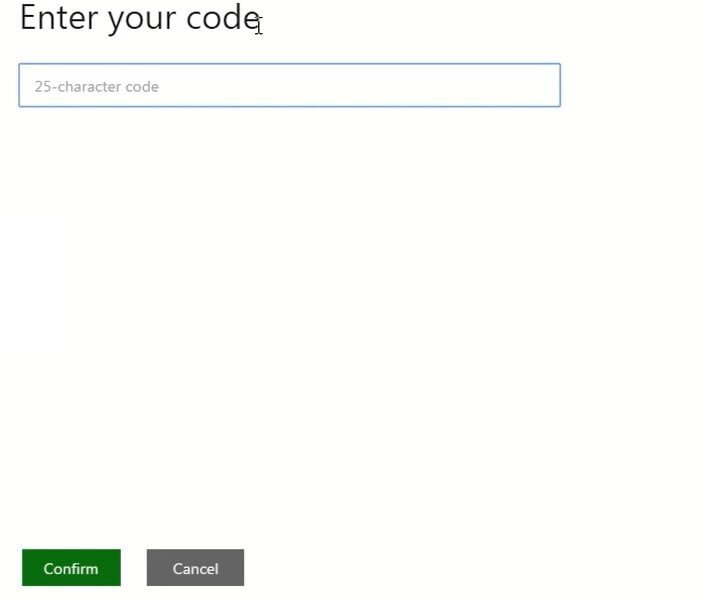
-
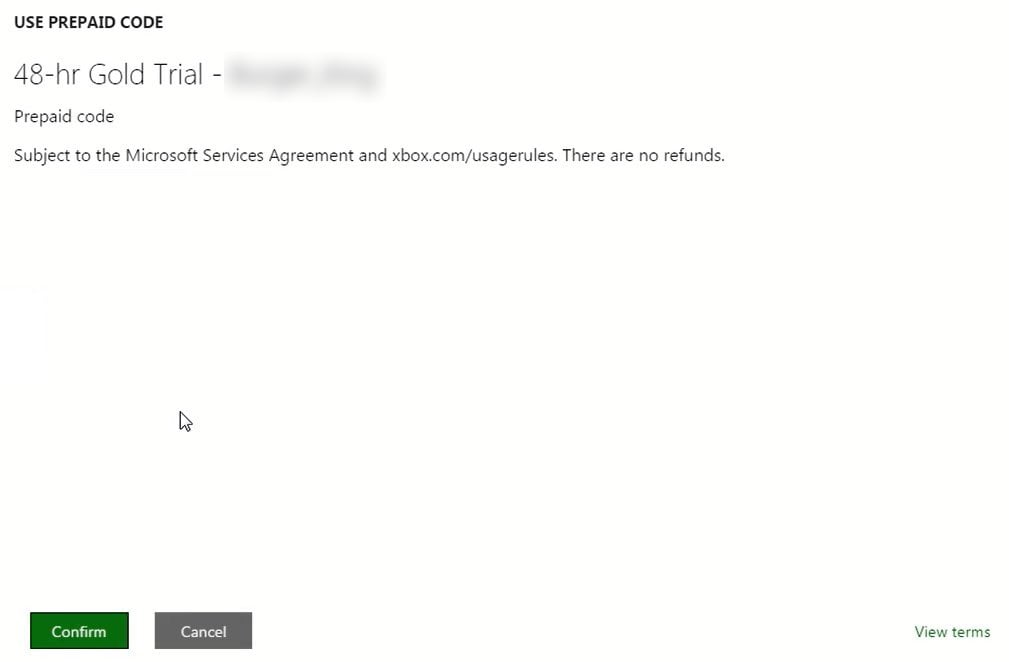
Confirm redemption by clicking Confirm.
-
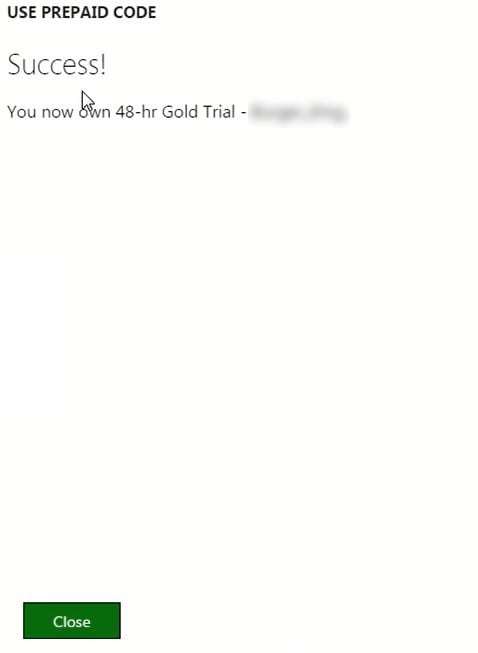
Click Close after a successful redemption.
Important Activation Information
The product key may be issued for any available region, depending on current stock and availability.
In some cases, a VPN may be required to activate the code due to regional restrictions set by Microsoft or the publisher. After successful activation, the content can normally be downloaded and used on your Xbox account in accordance with Microsoft’s regional and account policies.
Customers are responsible for following the provided activation instructions and ensuring that the correct account region is used.
If you are unsure how to activate the code or use a VPN, SpaceNET Gameshop can provide free activation assistance. With the customer’s permission, our support team can complete the activation process on their behalf at no additional cost.
Please contact us after purchase and provide your order number if assistance is required.
Specification
| Digital Product Information | |
| Platform | Xbox |
Reviews (0)
Write a review
Your Name:Your Review: Note: HTML is not translated!
Rating: Bad Good
Enter the code in the box below:
You may also like